
It Already Has.
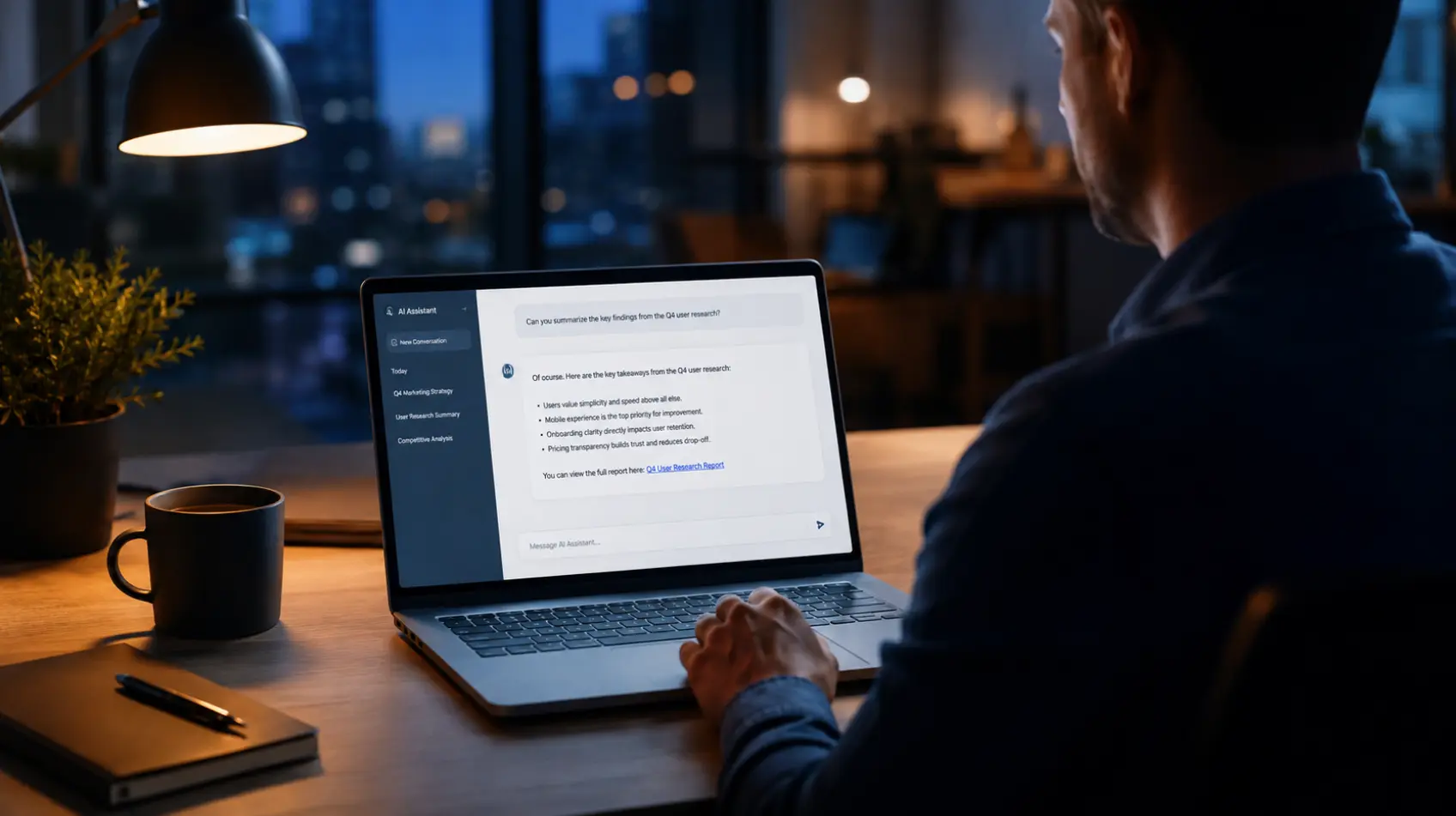
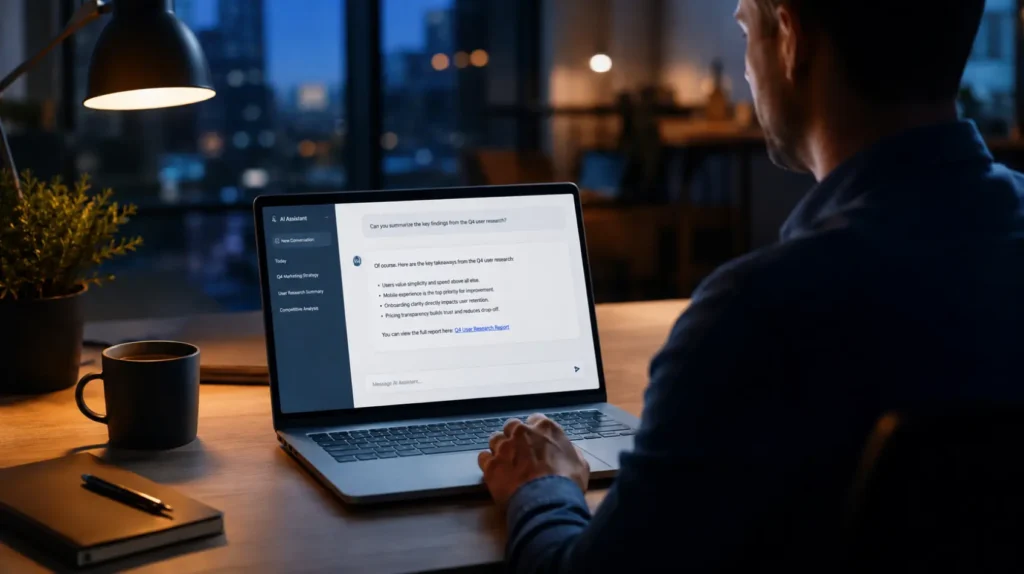
Someone on your team needs a tool. A utility to read a stubborn PDF. Something to check why a laptop runs hot and loud. They do not open a search engine and scroll past the ads anymore. They ask the AI assistant. It answers in a second, clean and confident, with a link. They click. They download. They install.
Nothing looked wrong. That is the point.
The file was not the tool. It was the opening move in a cryptojacking operation that handed a stranger quiet, lasting control of the machine. And the assistant your employee trusted is the thing that handed them the link.
This already happened
On May 26, 2026, Microsoft’s Defender team published the details of a live campaign. The attackers built fake download sites impersonating trusted PC utilities that hardware-minded users reach for: CrystalDiskInfo, HWMonitor, FurMark, and others. Since March 2026, Microsoft has tracked more than 150 lookalike domains tied to the operation.
They poisoned search results to surface those sites. That part is old news. The new part is this: Microsoft observed the same malicious links appearing inside AI chatbot answers when users asked for software download recommendations. How many people were actually routed through a chatbot is still being measured. That the links showed up in the AI’s answers is not in question.
What you downloaded did real work. It silently installed a legitimate remote-management tool, the kind IT teams use every day, and quietly turned it over to the attacker for persistent access. Then it ran cryptocurrency mining hidden inside trusted, Microsoft-signed Windows processes. It added itself to the antivirus exclusion list. It even paused mining the moment someone started using the computer, so the fans stayed quiet and nobody got suspicious. The same foothold could just as easily be used for data theft or ransomware.
Read that again. The malware was built to be polite. Its entire design was about not being noticed, on a machine the owner believed was running a tool they chose on purpose.
One campaign is a story. The pattern is the problem.
If this were a single clever operation, you could shrug it off. It is not. The security firm Netcraft ran a plain experiment: they asked a leading AI model where to log in to 50 well-known brands, using the same casual phrasing a normal person would use. No tricks, no manipulation, just questions.
Of the 131 web addresses the model handed back, 34 percent were not owned by the brand at all. Nearly a third of those were unregistered or parked, sitting empty for any attacker to claim and weaponize. Netcraft also caught a live AI search engine recommending a fake Google Sites page dressed up as Wells Fargo, listed above the real bank.
Nobody hacked those models. They were simply wrong, and they delivered the wrong answer with the exact same confidence as the right one.
Attackers do not need to break into the AI. They need to be the answer it gives.
That is the shift worth sitting with. An attacker no longer has to compromise the model. They feed the open web the content the AI will repeat, or they register the domains the AI tends to invent. Both are cheap. Netcraft has already documented threat actors generating more than 17,000 AI-written phishing pages built specifically to be picked up and parroted by these systems.
Why your people click
For 20 years we trained everyone to check the URL. Hover the link. Look for the padlock. Do not trust the result at the top with “Ad” next to it. Every one of those habits depends on cues that are visible on the screen.
The AI answer box deletes those cues. There is no URL to inspect before you read. No “Sponsored” label. No row of competing results to weigh against each other. Just one answer, written fluently, sitting inside the assistant your team already uses all day for a dozen other things. The format itself strips away the very signals people were taught to rely on.
It is worse for smaller organizations. Regional banks, niche software, local brands, and mid-sized firms appear less often in the data these models learned from, so the AI guesses more. The businesses with the least room to absorb a breach are the ones the AI is most likely to send somewhere dangerous.
Your employee was not careless. They did exactly what the tool was designed to make them do. They trusted the answer.
What this changes for you
You cannot train your way out of this with another awareness email. The attack works precisely because it defeats what awareness training teaches. “Be careful out there” is not a control when the warning signs have been removed from view.
So treat it as an architecture problem, not a behavior problem. A link or a download that came from an AI assistant deserves the same suspicion as a link from a stranger’s email. If your team needs a piece of software, the safe move is to reach the vendor’s known site directly and get it there, not from whatever address an assistant produced in passing.
The controls that actually stop this run on the endpoint, not in the inbox. Blocking untrusted programs from running until they prove themselves. Behavioral detection that notices when a “PDF tool” quietly installs remote-access software and starts hiding files. Web filtering that severs the connection to the attacker’s server even after a bad click. Those are the layers that caught the Microsoft campaign in the act. Good intentions did not.
Assume, plainly, that your AI tools will eventually hand someone on your team a bad link. Build for the click, not against it.
The voice they already believe
Picture the employee one more time. The one who needed a tool and asked the assistant. They were not reckless. They did not skip a step. They asked a question and trusted the response, which is the whole reason the assistant exists in the first place. The ground moved under them and they never felt it.
That is the real threat, and it is not that AI is dangerous. It is that trust has become a delivery mechanism. The attacker no longer has to reach your people. They only have to reach the voice your people already believe.
At Blue Light IT, we spend our days on the attacks that do not look like attacks. If your security plan still assumes the threat shows up in the inbox, the answer box is already a step ahead of you.
